
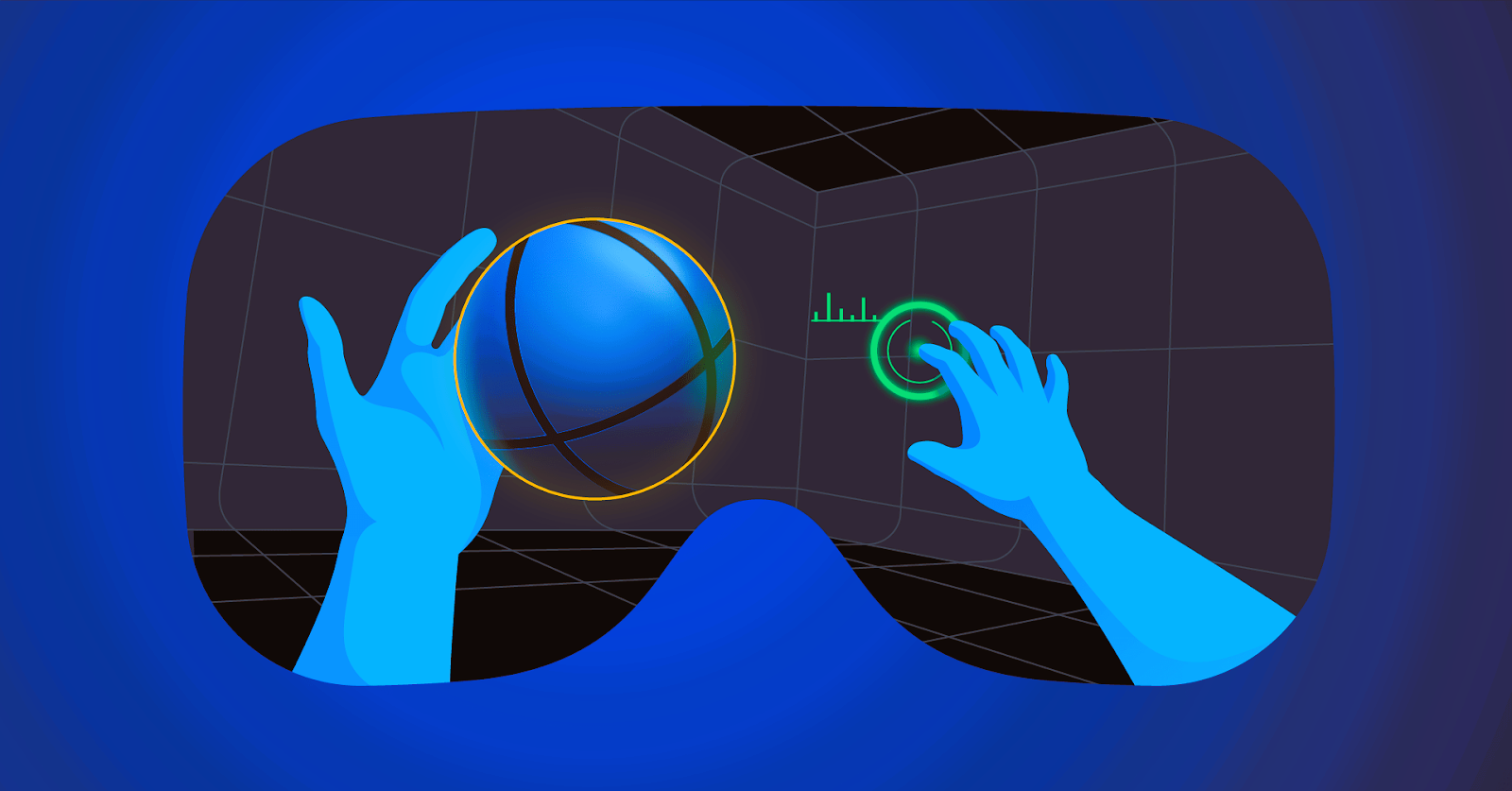
Virtual Reality (VR) has revolutionized the gaming industry, offering immersive experiences that transport players to fantastical worlds. However, designing game interfaces for VR presents unique challenges that differ significantly from traditional 2D or 3D game interfaces. This article explores these challenges and provides solutions for creating effective and engaging VR game interfaces.
Understanding the Unique Challenges of VR Interface Design
Designing interfaces for VR involves addressing several key challenges that stem from the immersive nature of the technology:
1. Spatial Awareness and Navigation
In VR, players interact with a three-dimensional space, which can complicate interface design. Traditional 2D interfaces, such as menus and buttons, are not directly transferable to a 3D environment. Ensuring that users can easily navigate and interact with the interface within a three-dimensional space requires innovative design approaches.
2. User Comfort and Ergonomics
Comfort is crucial in VR, as poor interface design can lead to discomfort or motion sickness. Interfaces must be designed to minimize strain and avoid causing disorientation. Proper placement of interface elements and intuitive interaction methods are essential to ensure a comfortable experience.
3. Interaction Methods
Unlike traditional interfaces that rely on mouse and keyboard inputs, VR interfaces often use motion controllers, hand tracking, or even voice commands. Designing interfaces that are intuitive and responsive to these diverse interaction methods requires careful consideration of user input and feedback.
4. Depth and Distance Perception
In VR, players experience depth and distance differently compared to flat screens. Interfaces must account for varying distances between the player and interface elements to ensure that they are easily reachable and interactable. Proper scaling and positioning are critical to maintaining usability and avoiding frustration.
Solutions for Effective VR Interface Design
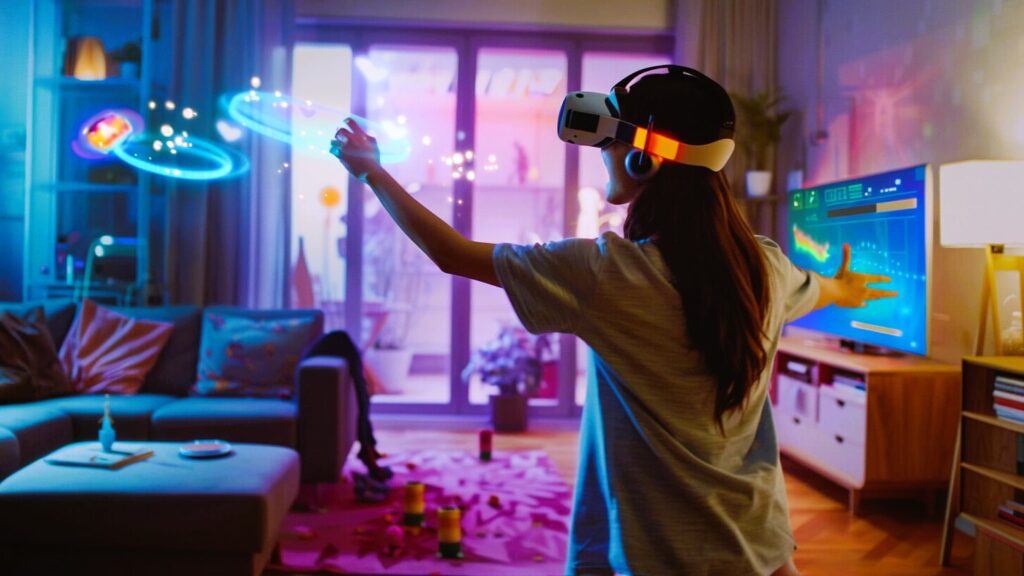
To overcome the challenges of VR interface design, consider the following solutions:
1. Implementing Spatial UI Design
Spatial UI design involves placing interface elements in the 3D space around the player. This approach allows for more immersive interactions and can make use of the VR environment to enhance usability. Here are some key considerations:
- Contextual Placement: Position interface elements contextually within the game world. For example, place a virtual menu in the player’s field of view or attach interactive elements to objects within the game world.
- Distance and Scale: Ensure that interface elements are appropriately scaled and positioned based on their distance from the player. Elements should be easily reachable and clearly visible without requiring excessive movement or stretching. Read this article to learn how to use user feedback to improve your game’s interface.
2. Prioritizing Comfort and Ergonomics
Comfort and ergonomics are essential to prevent discomfort and ensure an enjoyable VR experience. Follow these guidelines:
- Minimize Head Movement: Design interfaces that require minimal head movement to interact with. Consider placing key elements within the player’s natural line of sight to reduce strain.
- Avoid Motion Sickness: Prevent sudden or jerky movements in the interface that could induce motion sickness. Use smooth animations and transitions to maintain a comfortable experience.
3. Designing for Intuitive Interaction
VR interfaces require intuitive interaction methods to ensure ease of use. Consider the following:
- Controller Compatibility: Design interfaces that work seamlessly with various VR controllers. Ensure that button mappings and gestures are intuitive and align with the controller’s capabilities.
- Hand Tracking and Voice Commands: For systems with hand tracking or voice commands, design interfaces that accommodate these inputs. Provide clear visual cues and feedback to guide users through interactions.
4. Utilizing Depth and Immersive Techniques
Take advantage of VR’s depth perception to enhance the user experience:
- Layered Interfaces: Use layering techniques to create a sense of depth. For example, place primary actions closer to the player and secondary options further away to create a natural hierarchy.
- Dynamic Scaling: Implement dynamic scaling of interface elements based on their importance and distance. Make critical controls larger and more accessible while keeping less important elements smaller and out of the way.
Best Practices for VR Interface Design
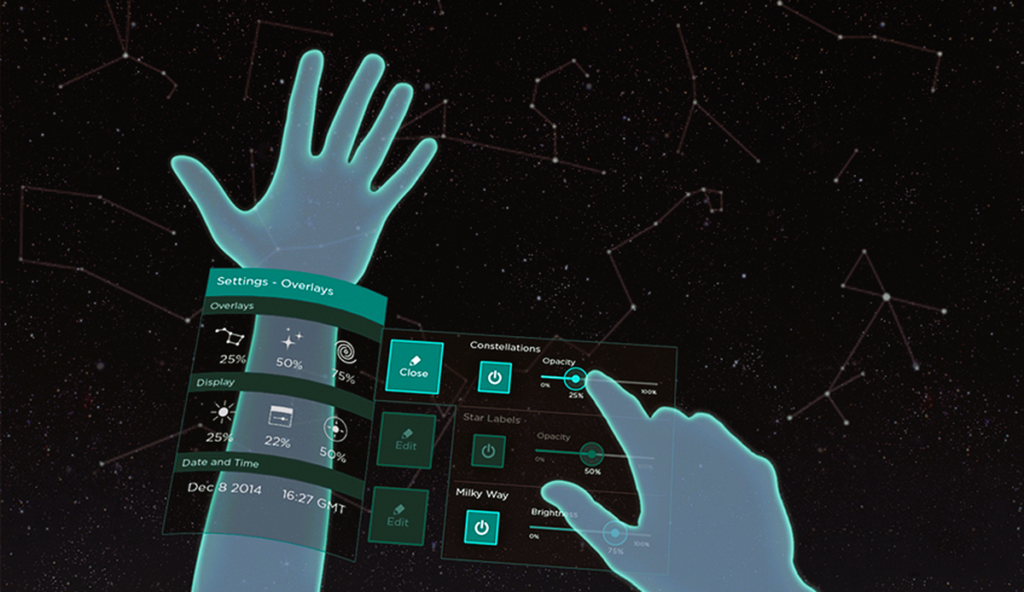
To ensure that your VR game interface is effective and engaging, follow these best practices:
1. User Testing and Feedback
Conduct extensive user testing to gather feedback on your VR interface design. Pay attention to how players interact with the interface and identify any areas of confusion or discomfort. Use this feedback to make iterative improvements and refine the design.
2. Consistency and Familiarity
Maintain consistency in your interface design to help players quickly learn and adapt to new interactions. Use familiar visual elements and interaction patterns to create a sense of familiarity and reduce the learning curve.
3. Visual Clarity and Readability
Ensure that interface elements are visually clear and readable in VR. Use high-contrast colors and large, legible fonts to enhance visibility. Avoid cluttering the interface with excessive information or elements.
4. Accessibility Considerations
Design with accessibility in mind to accommodate players with diverse needs. Provide options for adjusting interface elements and interactions to ensure that all players can enjoy the game comfortably.
Case Studies and Examples
Several successful VR games demonstrate effective interface design principles:
- “Beat Saber”: This popular rhythm game features a clear and intuitive VR interface. The use of spatial placement for score displays and controls enhances immersion and usability, while minimal head movement requirements contribute to player comfort.
- “Half-Life: Alyx”: Valve’s VR game employs spatial UI elements effectively, with interactive objects and menus placed naturally within the game world. The design prioritizes intuitive interactions and minimizes motion sickness.
- “Superhot VR”: The game utilizes a minimalistic interface with contextual elements that blend seamlessly into the game environment. This approach keeps the player focused on the action while maintaining clear and accessible controls.
Designing game interfaces for Virtual Reality presents unique challenges, but with thoughtful solutions and best practices, developers can create immersive and user-friendly experiences. By addressing spatial awareness, ergonomics, interaction methods, and depth perception, designers can enhance player engagement and comfort.
For more information on VR interface design standards and practices, visit the Wikipedia page on Virtual Reality.
By applying these strategies, developers can create VR interfaces that not only meet the demands of the medium but also provide a seamless and enjoyable gaming experience for players.