In the realm of game design, seamless transitions and animations are crucial for creating a fluid and immersive experience. Effective use of animations can significantly enhance the user interface (UI) by providing visual feedback, guiding player actions, and reinforcing the overall game experience. This article explores strategies for creating seamless transitions and animations in game UIs, focusing on principles, techniques, and best practices.
Understanding the Role of Transitions and Animations
Transitions and animations in game UIs serve several purposes:
- Visual Feedback: They provide immediate responses to user actions, helping players understand the effects of their interactions.
- Guidance: They lead players through the game’s interface, making it easier to navigate and interact with various elements.
- Enhancement: They contribute to the game’s aesthetic and emotional appeal, enhancing overall immersion and engagement.
By thoughtfully implementing transitions and animations, designers can improve usability, create a more engaging experience, and maintain a consistent visual language.
Principles of Effective Animations
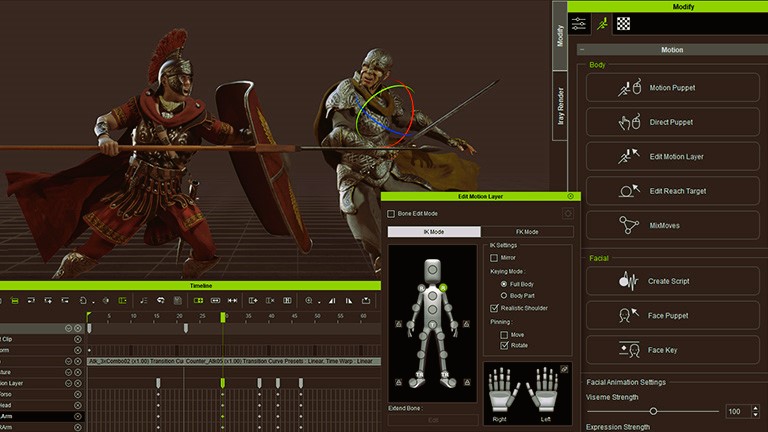
To create effective animations, it’s essential to adhere to several key principles:
1. Clarity and Purpose
Every animation should have a clear purpose and contribute to the user experience. Avoid unnecessary or overly complex animations that could distract or confuse players. For instance, animations should clearly indicate state changes, such as when a menu opens or a button is pressed.
2. Consistency
Consistency in animations helps establish a coherent visual language throughout the game. Use similar animation styles and timings for related interactions to create a unified experience. For example, if a button’s hover effect includes a subtle scale-up animation, maintain this effect across all buttons to ensure consistency.
3. Timing and Easing
Timing and easing functions play a significant role in how animations are perceived. Properly timed animations should feel natural and responsive. Easing functions, such as ease-in and ease-out, help create smooth transitions by adjusting the speed of the animation over time. For example, easing-out can be used to slow down the end of a transition, making it feel more polished. Designing game interfaces for virtual reality, read about the problems and solutions in our article.
4. Performance Optimization
Optimizing animations for performance is crucial, especially in resource-intensive games. Use efficient animation techniques and minimize the impact on frame rates. Techniques such as batching, texture atlases, and hardware acceleration can help ensure that animations run smoothly without causing performance issues.
Techniques for Seamless Transitions
Seamless transitions enhance the flow between different states or screens in a game. Here are some effective techniques for achieving smooth transitions:
1. Fade Effects
Fading in and out is a common technique for transitioning between screens or UI elements. This technique can be used to smoothly introduce or remove elements from the view. For instance, fading out a menu before transitioning to a new scene can create a more polished and seamless experience.
2. Slide and Swipe Animations
Slide and swipe animations are effective for transitioning between content areas or menus. For example, sliding a new panel into view or swiping between tabs can create a sense of continuity and movement. Ensure that the direction and speed of the slide or swipe are consistent with the expected user action.
3. Morphing Elements
Morphing involves smoothly transforming one UI element into another. This technique can be used to create a seamless transition between different states of a UI element. For instance, morphing a button into a loading spinner provides visual feedback during a loading process, maintaining continuity and reducing visual disruption.
4. Staggered Animations
Staggered animations involve sequencing multiple animations to create a more dynamic effect. For example, animating individual elements of a menu or HUD one after another can create a sense of depth and interactivity. Ensure that staggered animations are well-coordinated to avoid confusing or overwhelming players.
Implementing Animations in Game Development
Incorporating animations into game development involves using various tools and techniques. Here are some common approaches:
1. Animation Tools and Engines
Many game development engines, such as Unity and Unreal Engine, offer built-in animation tools and systems. These tools allow designers to create, customize, and implement animations directly within the engine. Explore the animation features of your chosen engine to leverage its capabilities effectively.
2. Scripting and Coding
Custom animations can be implemented through scripting and coding. Programming languages and frameworks, such as C# in Unity or Blueprint in Unreal Engine, provide the flexibility to create complex animations and transitions. Understanding the scripting APIs and animation frameworks of your engine can help you achieve precise and tailored animations.
3. Asset Creation
Creating high-quality assets is essential for smooth and visually appealing animations. Design assets, such as sprites, textures, and models, with animation in mind. Ensure that assets are optimized and compatible with your animation techniques to achieve the best results.
Best Practices for Animation Design
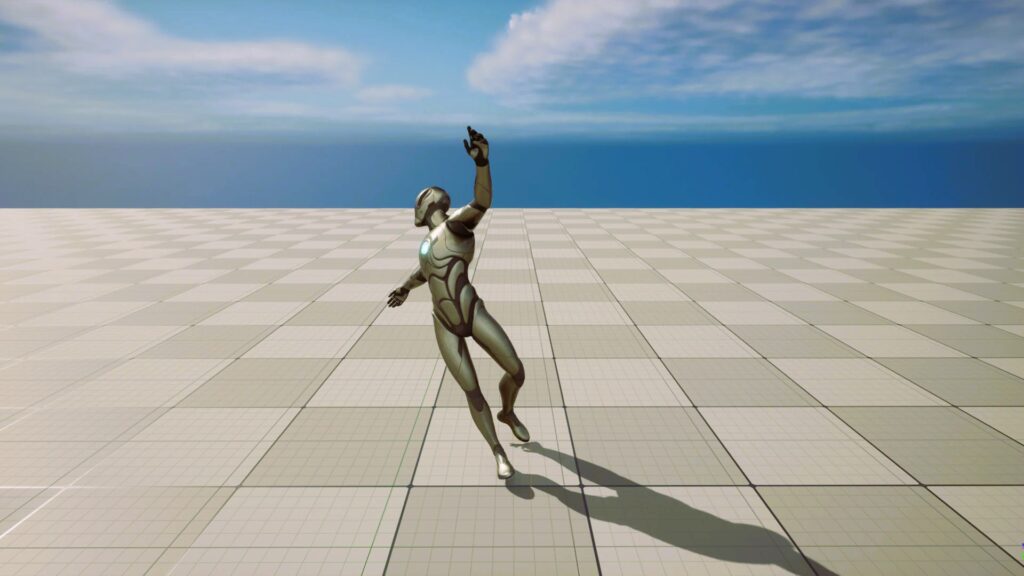
To ensure that animations enhance rather than detract from the user experience, consider the following best practices:
1. User Feedback
Gather feedback from users to understand their perceptions of animations. Conduct playtesting sessions to evaluate how animations impact gameplay and user interactions. Use this feedback to refine and improve animations based on real-world use.
2. Accessibility Considerations
Ensure that animations are accessible to all players, including those with visual or motion sensitivity issues. Provide options to adjust or disable animations if needed, and avoid excessive or rapid movements that could cause discomfort.
3. Testing and Iteration
Regularly test animations throughout the development process to identify and address issues. Iterative design and testing can help refine animations and ensure they meet the desired quality and performance standards.
Creating seamless transitions and animations in game UIs involves understanding the principles of effective animation, employing various techniques, and implementing best practices. By focusing on clarity, consistency, and performance optimization, designers can create engaging and immersive experiences that enhance gameplay and user satisfaction.
For more information on UI design standards and practices, you can visit the Wikipedia page on User Interface Design.
By applying these strategies and techniques, game developers can create UI animations that not only enhance the visual appeal but also contribute to a more intuitive and enjoyable gaming experience.