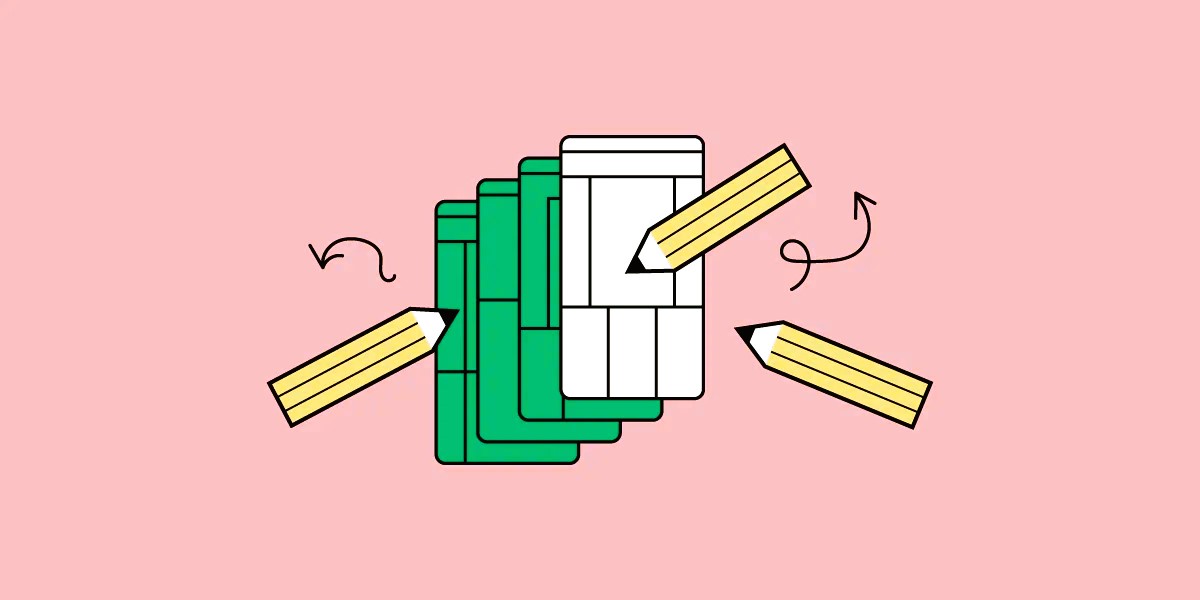
In the dynamic world of game development, turning a creative concept into a playable experience involves several crucial steps. Designing effective game prototypes is a key component of this process, allowing developers to visualize, test, and refine their ideas before full-scale production. This article explores the journey from concept to screen, detailing best practices for creating game prototypes that facilitate a smooth transition from initial ideas to final products.
1. Understanding the Purpose of Prototypes
Game prototypes serve multiple purposes, including validating gameplay ideas, testing mechanics, and identifying potential issues early in development. They provide a tangible representation of a game concept, allowing teams to experiment with different features and assess their viability.
Key Objectives of Prototyping:
- Concept Validation: Prototypes help in assessing whether a game concept is engaging and feasible.
- Mechanic Testing: They allow for the testing of core gameplay mechanics and systems.
- Feedback Gathering: Prototypes provide a basis for gathering feedback from stakeholders and potential players.
- Risk Mitigation: By identifying issues early, prototypes help in mitigating risks associated with game development.
2. Ideation and Planning
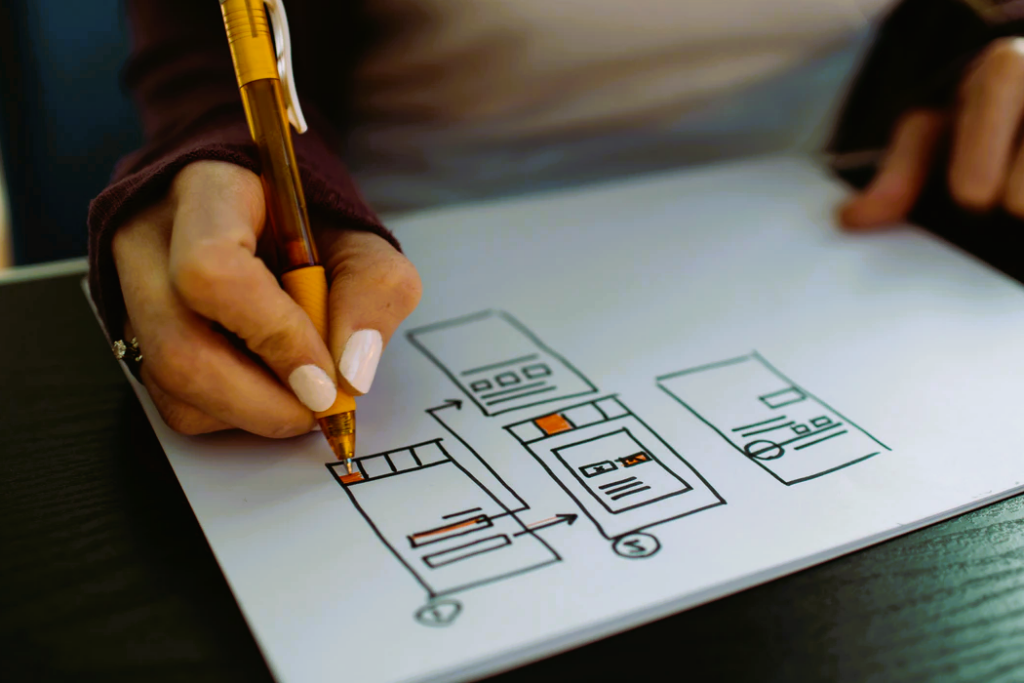
The prototyping process begins with ideation and planning. This phase involves defining the core concept of the game, outlining the gameplay mechanics, and establishing the goals of the prototype.
Steps in Ideation and Planning:
- Define the Core Concept: Start by clearly defining the core idea of the game, including its genre, target audience, and unique selling points.
- Outline Gameplay Mechanics: Identify the key mechanics that will drive the gameplay experience. These could include movement, combat, puzzles, or other interactive elements.
- Set Prototype Goals: Determine what you want to achieve with the prototype. This could range from testing a specific mechanic to demonstrating the overall game flow.
3. Choosing the Right Prototyping Tools
Selecting the appropriate tools for prototyping is essential for efficient development. There are various tools available, each suited to different types of prototypes and development stages.
Popular Prototyping Tools:
- Unity: A versatile game engine that supports rapid prototyping with features for creating 2D and 3D games.
- Unreal Engine: Known for its high-quality graphics and robust prototyping capabilities, particularly for 3D games.
- GameMaker Studio: Ideal for 2D game prototypes, offering a user-friendly interface and drag-and-drop functionality.
- Construct: A no-code tool that allows for quick development of 2D prototypes, suitable for those without extensive programming experience. Like this article? Read also about Game UI Design.
4. Building the Prototype
Once the planning and tool selection are complete, it’s time to start building the prototype. This phase involves implementing the core mechanics, creating basic assets, and setting up the game environment.
Key Steps in Building the Prototype:
- Develop Core Mechanics: Focus on implementing the core gameplay mechanics that define the experience. Keep it simple and functional to ensure that the primary features are working as intended.
- Create Basic Assets: Use placeholder graphics and sound effects to represent game elements. The goal is to demonstrate functionality rather than final aesthetics.
- Set Up the Environment: Build a basic game environment that supports the core mechanics. This could include levels, characters, and interactive objects.
5. Testing and Iteration
Testing is a crucial part of the prototyping process. It involves playing the prototype to identify strengths, weaknesses, and areas for improvement. Feedback from testers can provide valuable insights into the game’s potential and help refine its design.
Steps in Testing and Iteration:
- Conduct Playtesting: Have team members and external testers play the prototype to gather feedback on gameplay, mechanics, and overall experience.
- Analyze Feedback: Review the feedback to identify common issues and suggestions for improvement.
- Iterate and Refine: Make necessary adjustments based on feedback. This could involve tweaking mechanics, improving visuals, or addressing gameplay issues.
6. Documenting and Communicating
Effective documentation and communication are essential for ensuring that the prototype’s development process is well-understood and that future development is aligned with the initial goals.
Key Documentation Practices:
- Document Design Decisions: Keep detailed records of design decisions, including changes made during testing and iteration.
- Create a Prototype Report: Prepare a report that summarizes the prototype’s goals, features, and feedback received. This document can guide further development and serve as a reference for stakeholders.
7. Moving from Prototype to Production
Once the prototype has been refined and validated, it’s time to transition to full-scale production. The insights gained from the prototype will inform the development of the final game, helping to ensure a smoother production process.
Key Considerations for Production:
- Refine Mechanics: Build upon the core mechanics tested in the prototype, adding depth and polish to enhance the gameplay experience.
- Develop Assets: Create final art, sound, and animations based on the feedback and design established during prototyping.
- Plan for Testing: Continue testing throughout the production phase to ensure that the final game meets quality standards and delivers a satisfying experience.
Designing effective game prototypes is a crucial step in game development, enabling developers to test and refine their ideas before committing to full-scale production. By understanding the purpose of prototypes, planning effectively, choosing the right tools, building and testing iteratively, and documenting the process, developers can create prototypes that facilitate a successful transition from concept to screen. The insights gained from prototypes not only validate game ideas but also help in creating engaging and well-designed final products.
For more information on game design and prototyping standards, you can explore the Wikipedia page on Game Design.